
New player field guide
Enter the realm
Understand your reincarnation, secure a home, and choose a first pursuit. This field guide turns the opening hour into a route you can actually follow.
Your first hour
Read your reincarnation
Finish character creation, then inspect your race and starting abilities before committing to fights. A starting form is the beginning of a route—not your permanent ceiling.
Reincarnation guide →Establish a safe foothold
Collect basic food and materials, set a return point, and avoid testing every unfamiliar creature at once. TSR's world contains encounters meant for later progression.
Travel and loot →Learn your power loop
EP tracks broad character power; Magicules, Aura, mastery, and skills have distinct jobs. Check the controls menu for your active bindings instead of assuming a default key.
Understand resources →Claim and choose
Create or join an FTB team, protect your first home, then choose a progression route. You can change direction later—TSR is designed around parallel tracks.
Protect your home →Three habits that prevent most early frustration
Read tooltips before spending rare resources, verify keybinds in the current Controls screen, and treat quest or guide status labels literally. Installed content may still be undergoing balance or integration validation.
Field checklist
Saved only in this browser
Your opening tasks
0 of 5 field tasks complete
Choose a path, not a class
Your starting choice is a direction, not a lock-in. The current modlist records a 299-artifact client candidate, captured September 20, 2026. That inventory is not a completed gameplay test; each route below retains its own implementation and validation limits.
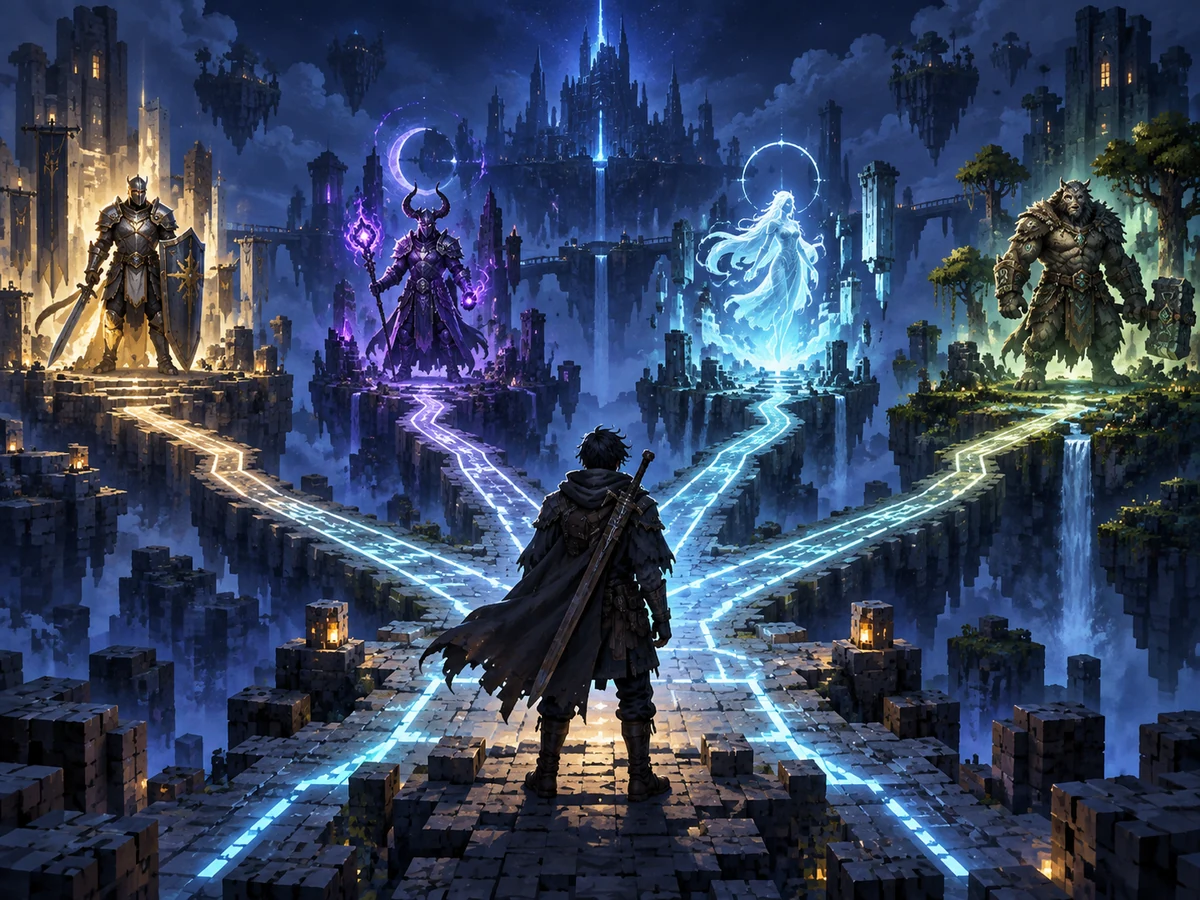
Character progression
Grow through races, skills, and mastery
Learn how EP, Magicules, Aura, skills, and evolution requirements connect before chasing a specific final form.
Race and evolution Skills and resources Browse Unique Skills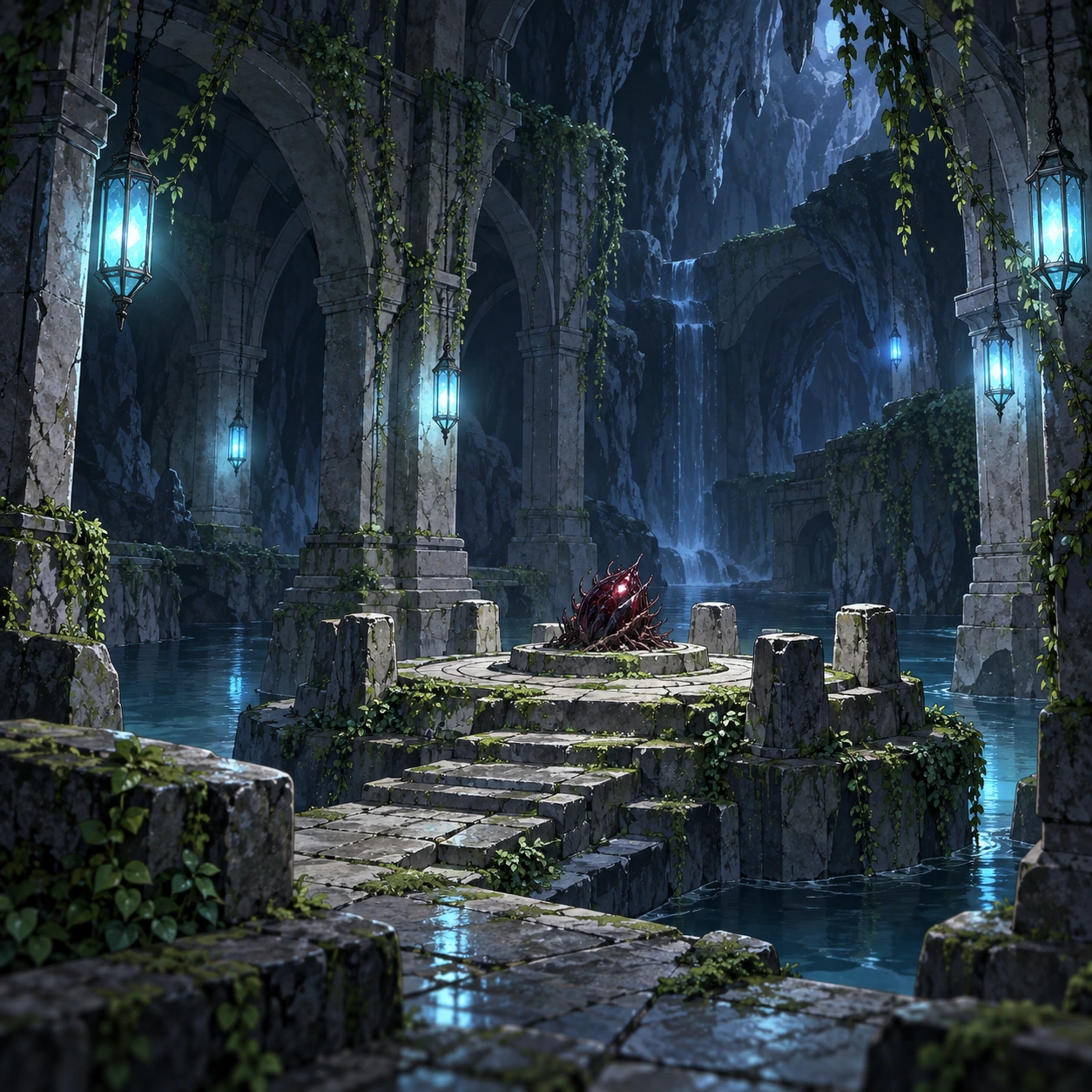
Adventure progression
Travel, hunt, and conquer carefully
Follow missions or your own map, unlock travel options, share generated loot fairly, and check encounter validation before challenging bosses or dimensions.
Adventure, travel, and loot Bosses and dimensions Browse the bestiary Charybdis Cave reference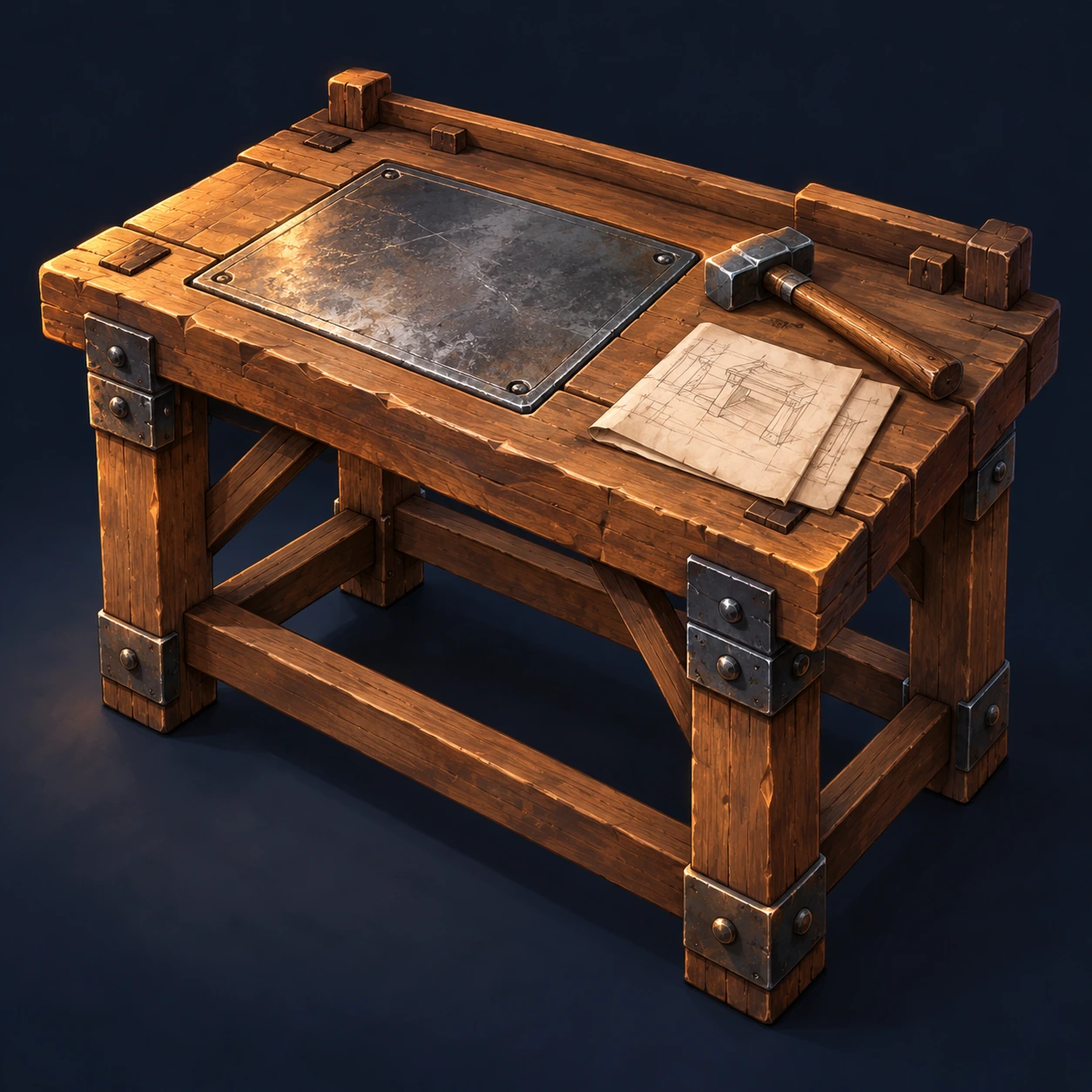
Equipment and technology
Forge gear and build useful systems
Start with Gear Evolution and storage, then explore the installed metalworking, Create, and Mekanism layers as recipes and progression make them available.
Gear Evolution Forging and Metalworks Storage and logistics Schematic crafting guide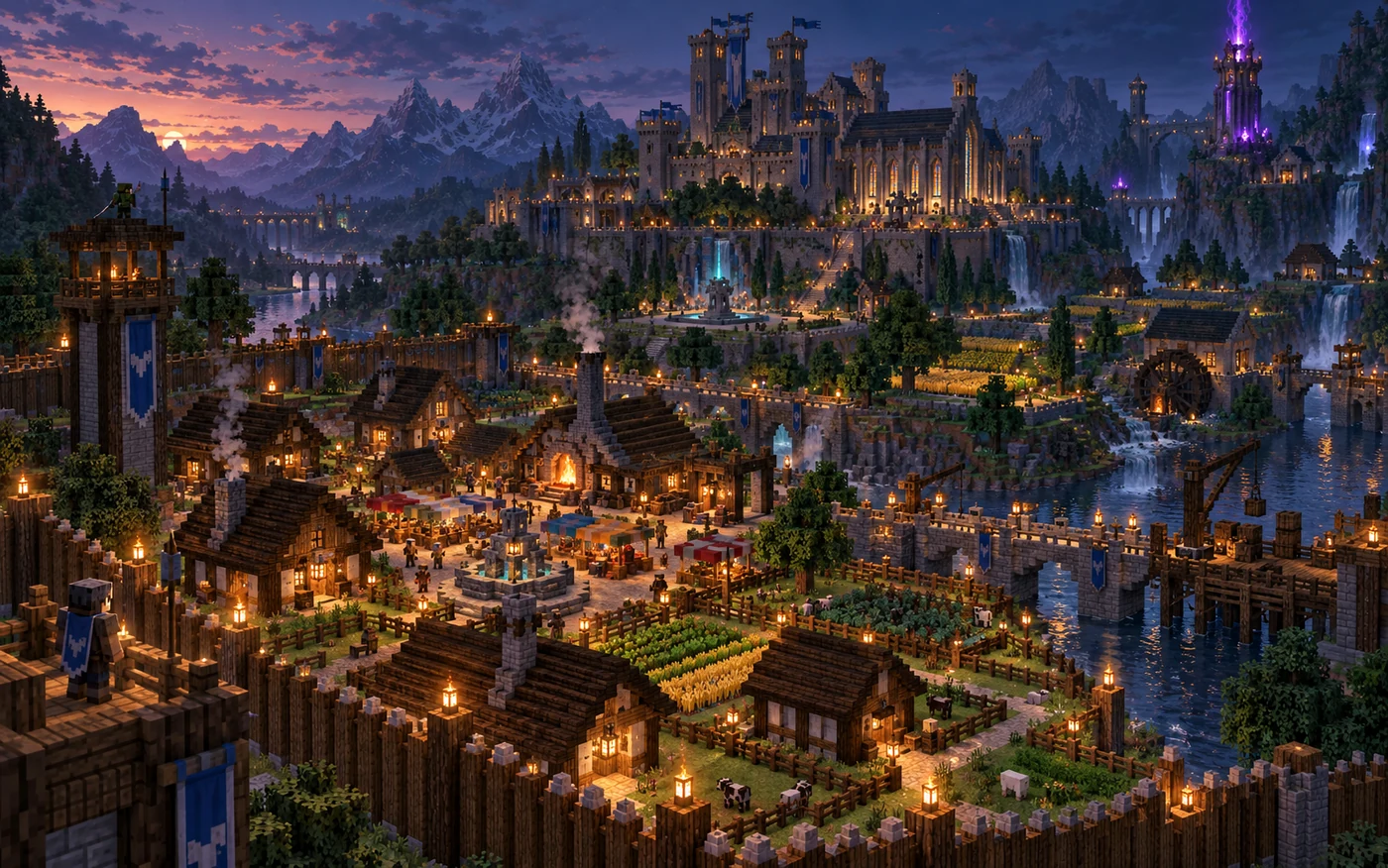
Civilization progression
Turn a shelter into a sovereignty
Protect land first, then grow a MineColonies settlement. Core citizen and reputation integration is active; more volatile diplomacy and warfare features remain disabled in the beta baseline.
MineColonies and nations Teams and claims Subordinates and namingBefore spending resources
Learning a skill, mastering it, casting it, and retaining it through a reset are different decisions. Open the relevant guide before using a rare learning item or committing to a reset; a registry entry alone does not establish a working player obtainment route.
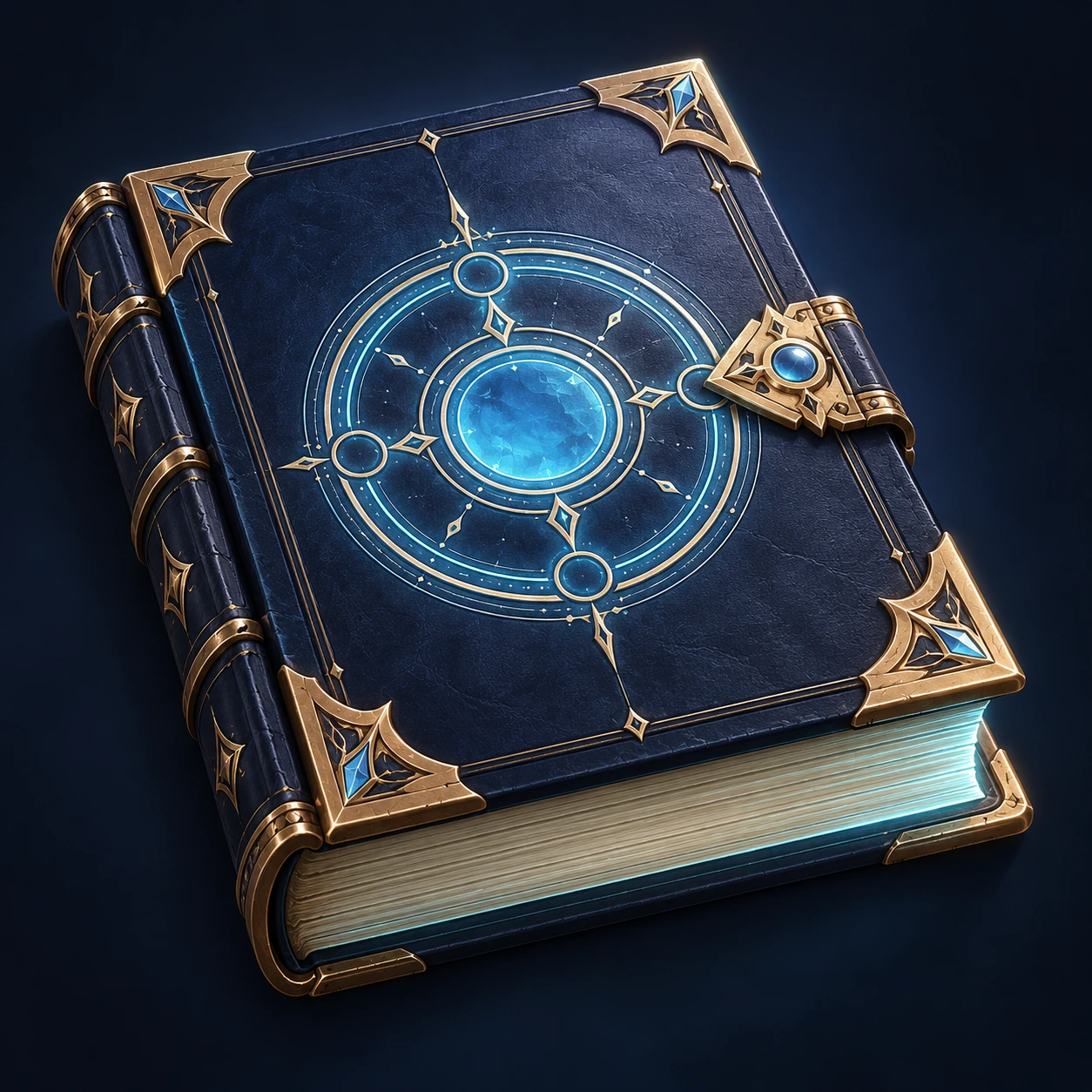
Spell learning
Read the tome before using it
Separate a stored spell from the configured random pool. Read consumption, duplicate, and failed-learning limits before attempting to learn.
Open the Magic Tome guide
Aura techniques
Learn, then follow mastery
Compare the configured manual results and checked mastery successors. A successor connection does not explain how to obtain the first technique.
Open Battlewill training
Acquisition costs
Know your Soul Energy balance
Distinguish spendable energy from maximum capacity and casting resources. Check the selected Unique Skill handler’s cost and the guide’s live-server limits.
Open Soul Energy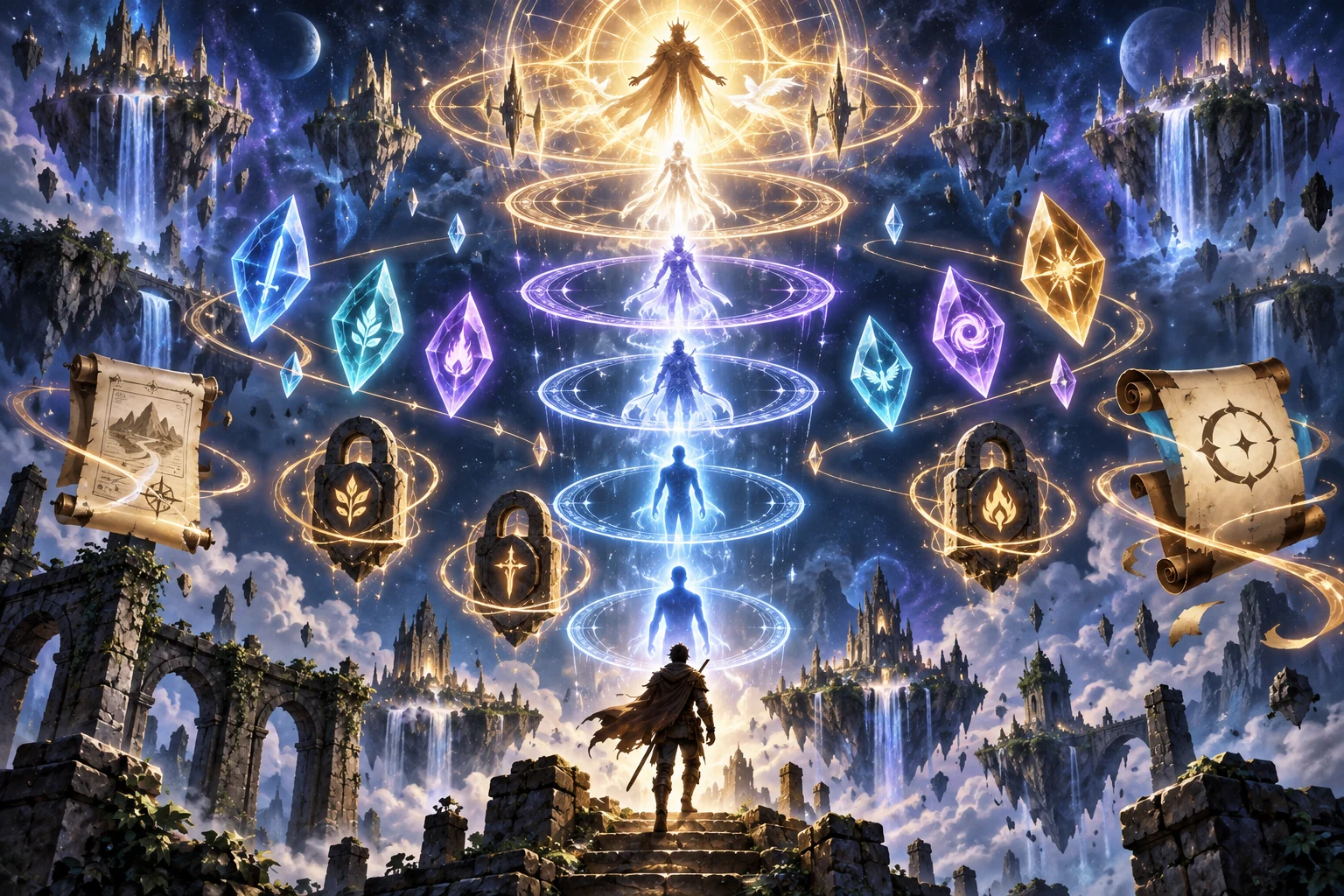
Reset planning
Read the lock and prestige rules
Soul Grade belongs to SlimeThrone Extras, not Mysticism’s historical Soul Quality system. Check eligibility and retention limits before making a reset decision.
Open prestige and skill locksThese learning-route, cave, and workstation illustrations are original TSR thematic artwork, not screenshots or exact in-game models. The linked guides cite their artifact, configuration, and upstream evidence; their reviewed behavior is not a guarantee of successful live-server progression.
From first foothold to awakening
Once food, shelter, controls, and claims are handled, use this three-part route instead of grinding without a target:
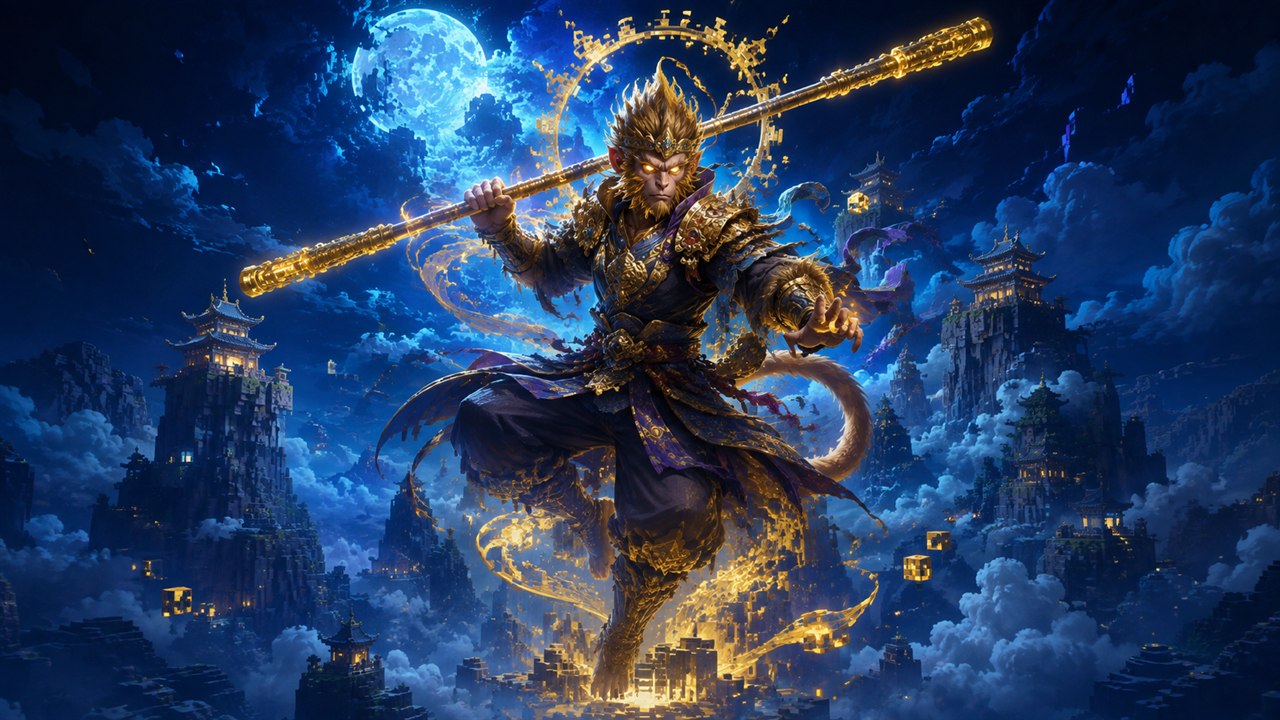 1 · Map your raceOpen the full evolution family, compare every stage, and note EP, status, naming, or essence gates.
 2 · Map your skillsRead obtainment conditions alongside mastery connections. A documented prerequisite is not proof of an automatic unlock.
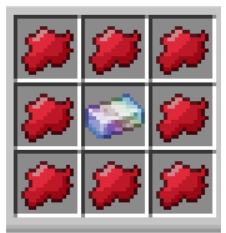 3 · Plan an Ascension ritualCheck the mapped Ascension Unique, altar, catalyst, and ritual gates. This is not a universal acquisition method for every Ultimate.
When you are stuck
I do not understand a race or skill
Use the searchable Tensura Reference. Race pages expose evolution relationships; skill pages retain attributed source descriptions and documented obtainment conditions.
A menu or ability will not open
Open Minecraft's Controls screen, search the relevant mod or action, and resolve conflicts. Pack updates and personal bindings can make remembered defaults inaccurate.
My base is vulnerable
Review Teams & Claims. Claim protection is the first line of defense; report destructive interactions that bypass it.
I found behavior the guide says is unverified
Check the Compatibility Matrix and Roadmap. “Installed,” “starts,” and “fully validated” are intentionally different claims.
Reliable reference points
- The Current Modlist is the newest captured client snapshot and names its own verification limits.
- The Progression Overview separates the major parallel systems.
- The Mod Guide Directory routes players to system-specific guides.
- The imported Tensura and Mysticism references preserve community wiki.gg article revisions, File-page attribution, and recorded license evidence. See Upstream Attribution and Mysticism Attribution.
- The Sources and Attribution ledger records per-file media reviews and withdrawals. A general wiki-content license is not automatic permission to reuse every image; the legacy media audit remains in progress.
- Live activity uses the public Minecraft Server Status API. It does not receive your Minecraft credentials and the page never displays the server's resolved backend address.
Beta truth matters
The last recorded client smoke remains the 239-mod profile; the complete current candidate still needs fresh client, server, and gameplay validation. Extended progression, multiplayer balance, structure density, permissions, and the handcrafted campaign remain under validation. This guide does not promote planned systems into completed features.